ParksTool
ParksTool 1ES2K One Knob (encoder) MIDI Controller
ParksTool 1ES2K One Knob (encoder) MIDI Controller
Couldn't load pickup availability
TECHNICAL DETAILS
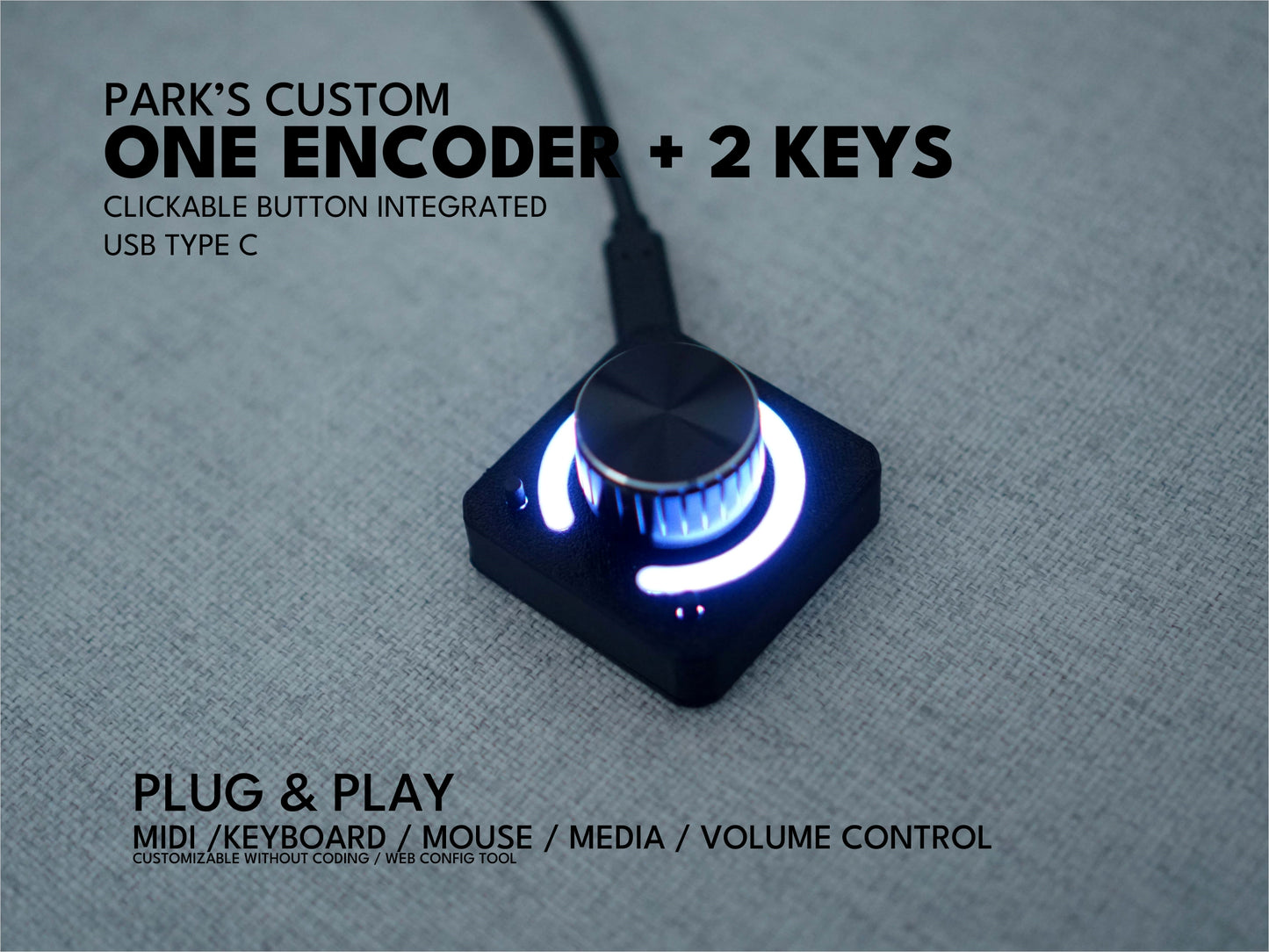
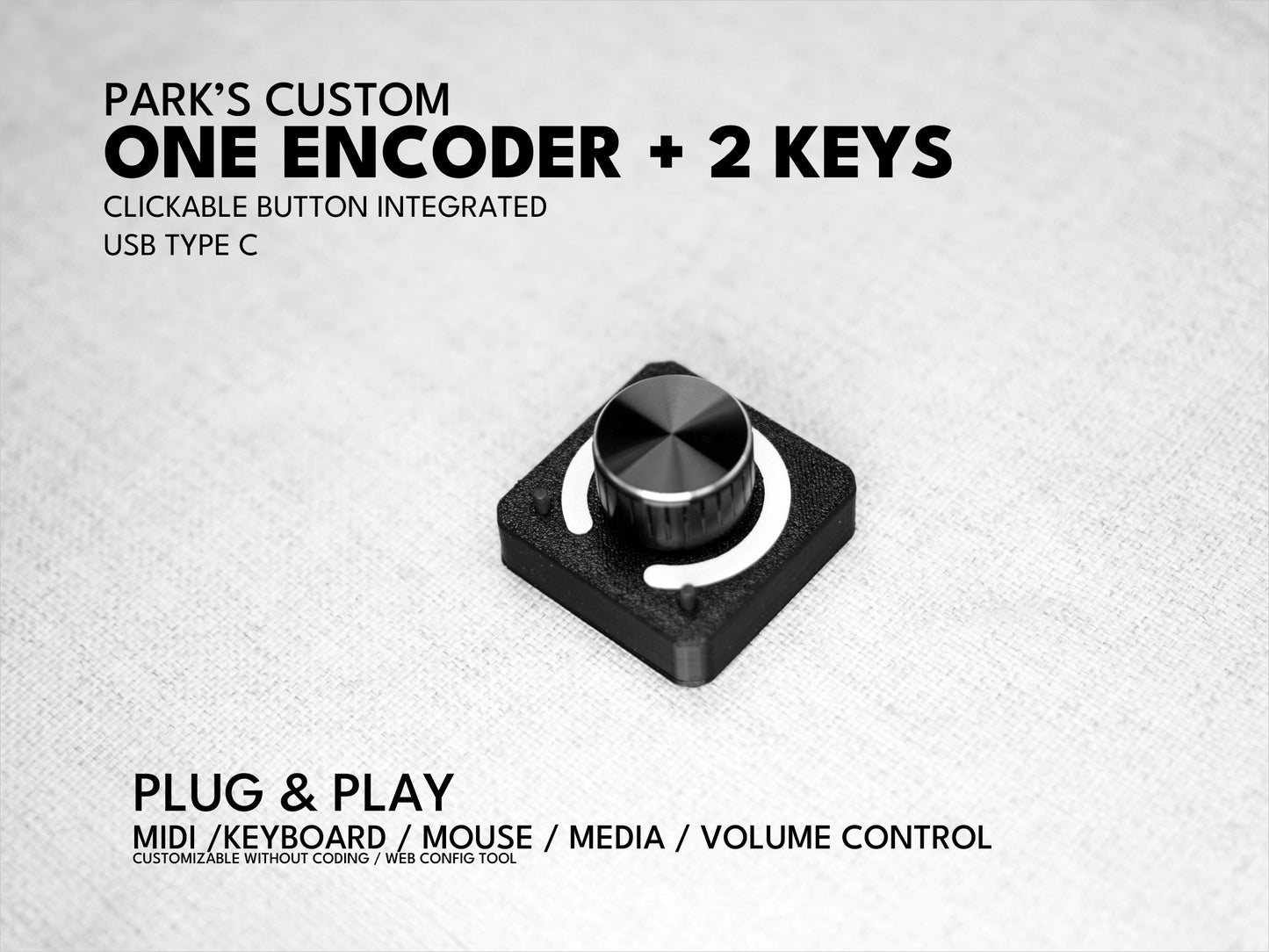
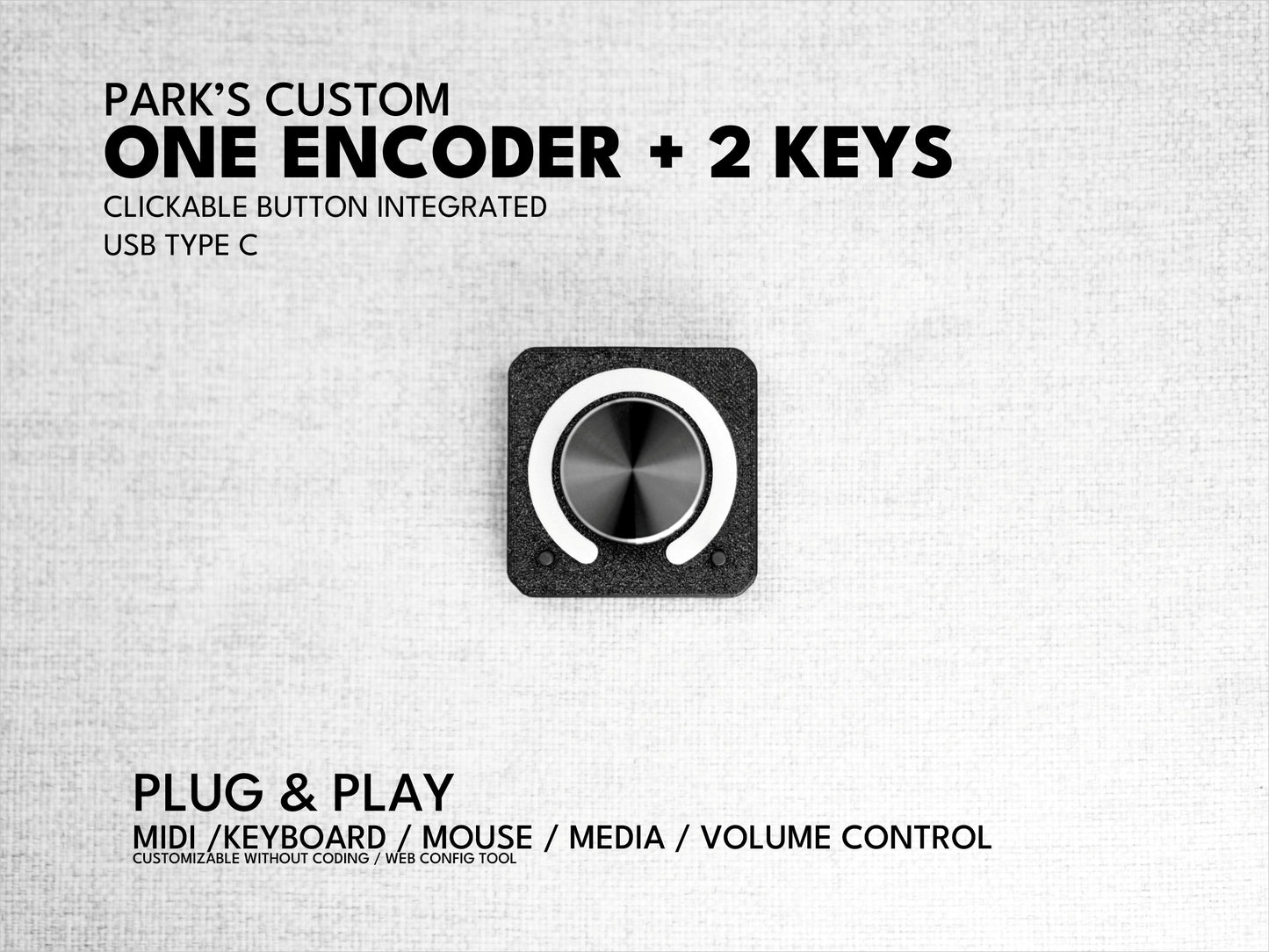
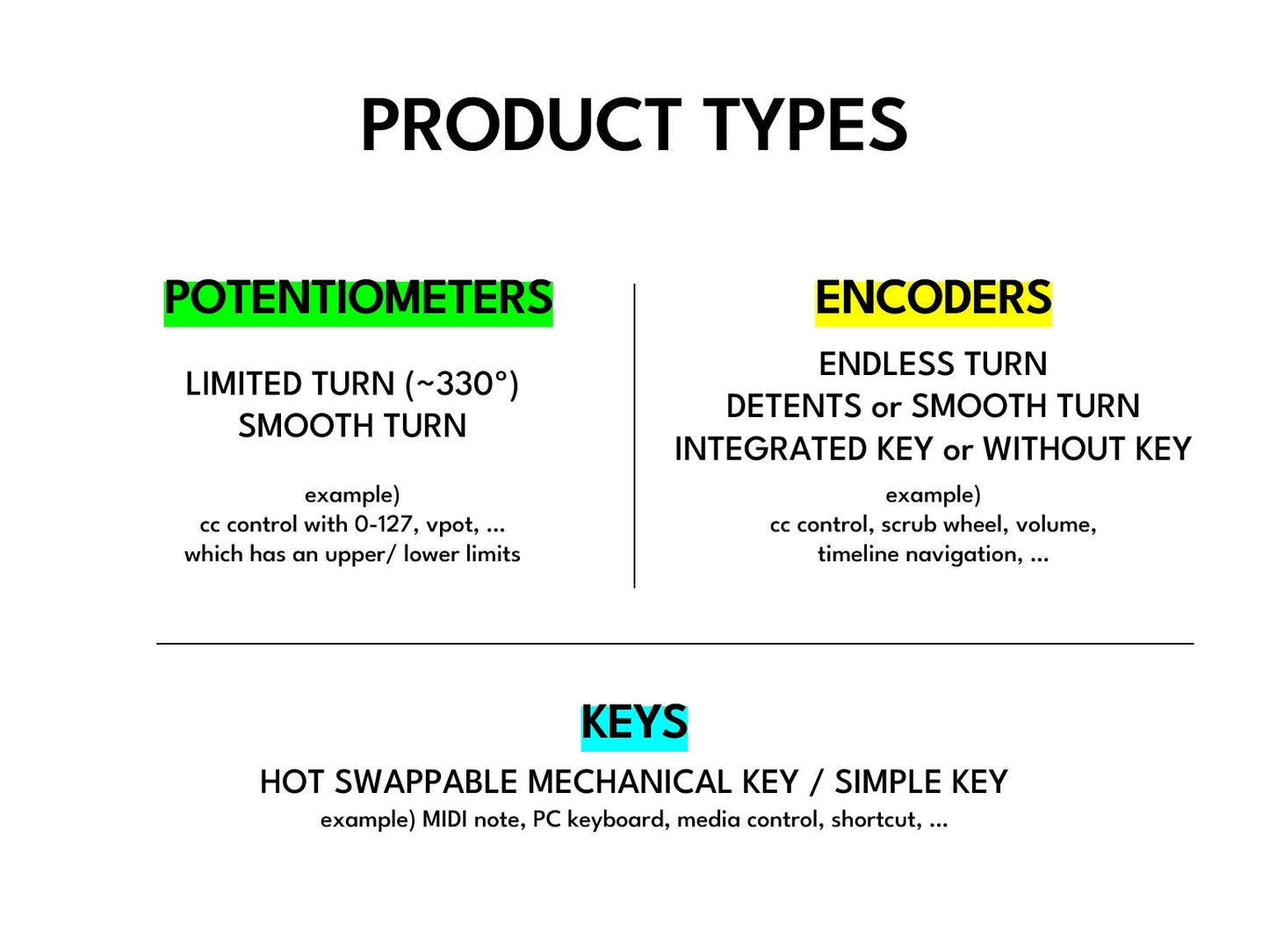
1 smooth encoder (no detents) (push button integrated) + 2 Tactile keys
USB Type: USB type C (USB cable is not included)
Function: Keyboard / Plug and play MIDI controller
working with Mac, Windows, Linux, Android, iOS (iPAD and iPhone)
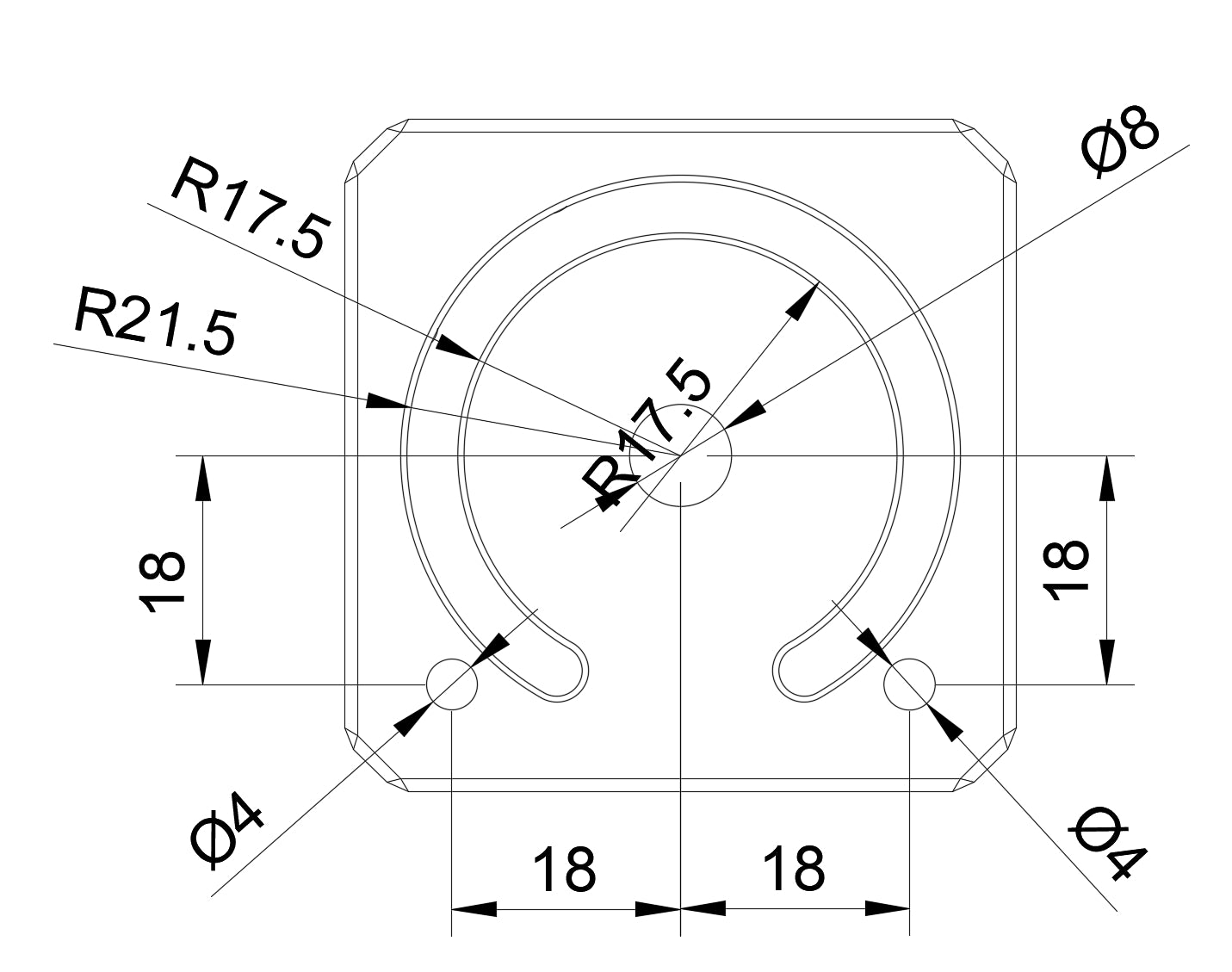
Dimensions: 48mm x 48mm x 32mm
Product Manual
https://manual.parkstool.com/en/products/1ES2K.html
Configuration Page
Latest Firmware Update
What is the ParksTool 1ES2K?
The ParksTool 1ES2K is a compact, USB-C bus-powered MIDI controller featuring 1 clickable integrated encoder + 2 tactile buttons. Experience true plug-and-play functionality: plug it into any computer, tablet, or smartphone — no driver installation needed. Enjoy full configuration without any software installation using the free Web Configuration Tool directly from your browser.
Controls & Features
- Rotary Encoder (1×) — Infinite rotation with no hard stops. These are push switch integrated encoders, meaning you can press the knob itself to actuate a MIDI key command/note. Sends relative MIDI values, enabling seamless jump-free control in any DAW. Supports DAW-to-hardware feedback (bidirectional) when connected via MIDI out.
- Tactile Keys (2×) — Tactile switch for satisfying actuation. Configurable via software as momentary (press/release) or toggle (on/off). Assign Bank Change, Note, CC, keyboard shortcuts, or media keys.
- Bank System — Switch between multiple MIDI layouts (banks) on the fly, multiplying your controls without adding hardware.
- LED Ring — A visual ring of LEDs surrounding the encoder displays the current CC value (0–127) in real time. Bidirectional: when your DAW changes a parameter, the LED ring updates automatically. Bank state is indicated by color. Customize the LED color for each bank via the Web Configuration Tool.
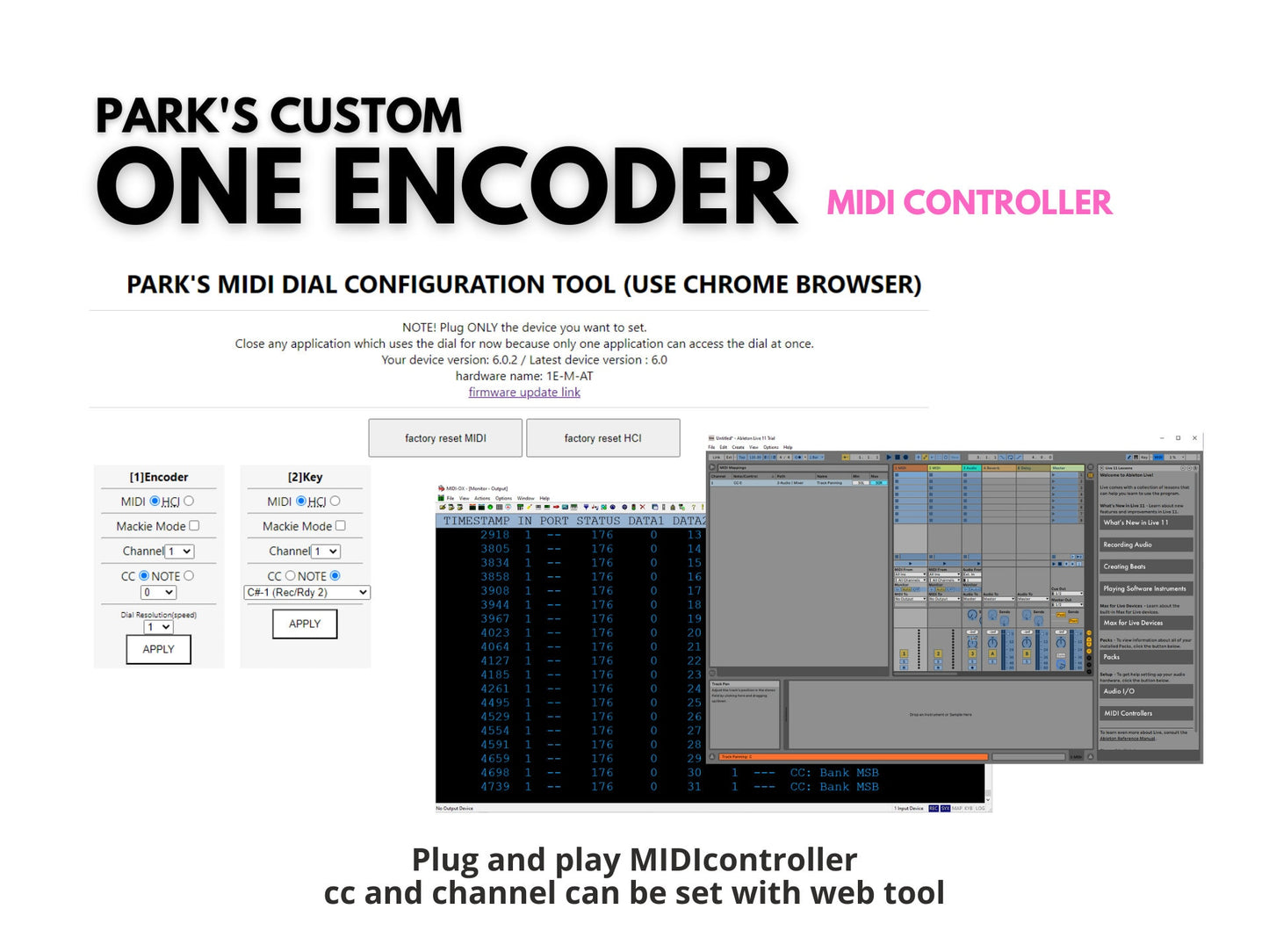
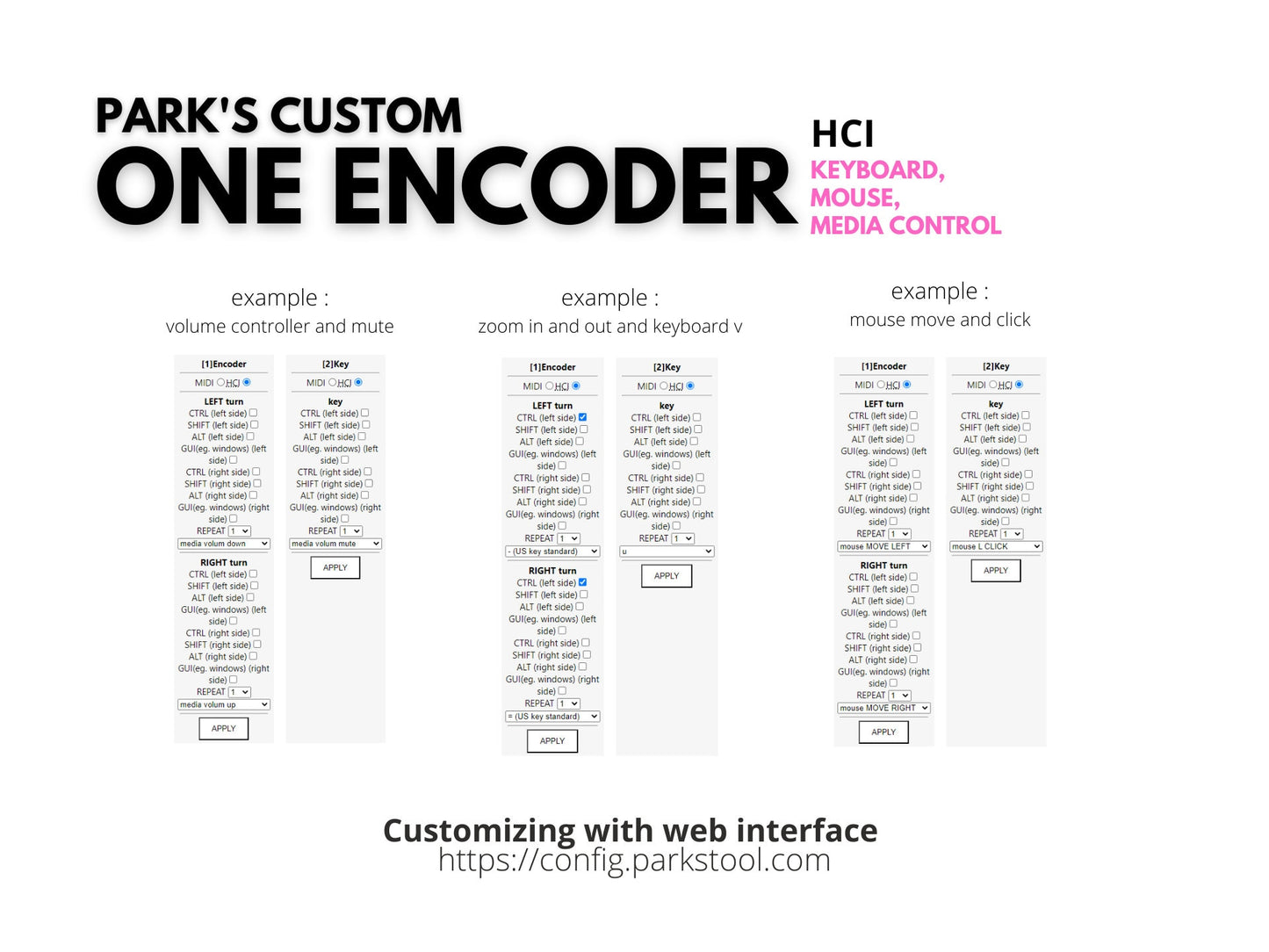
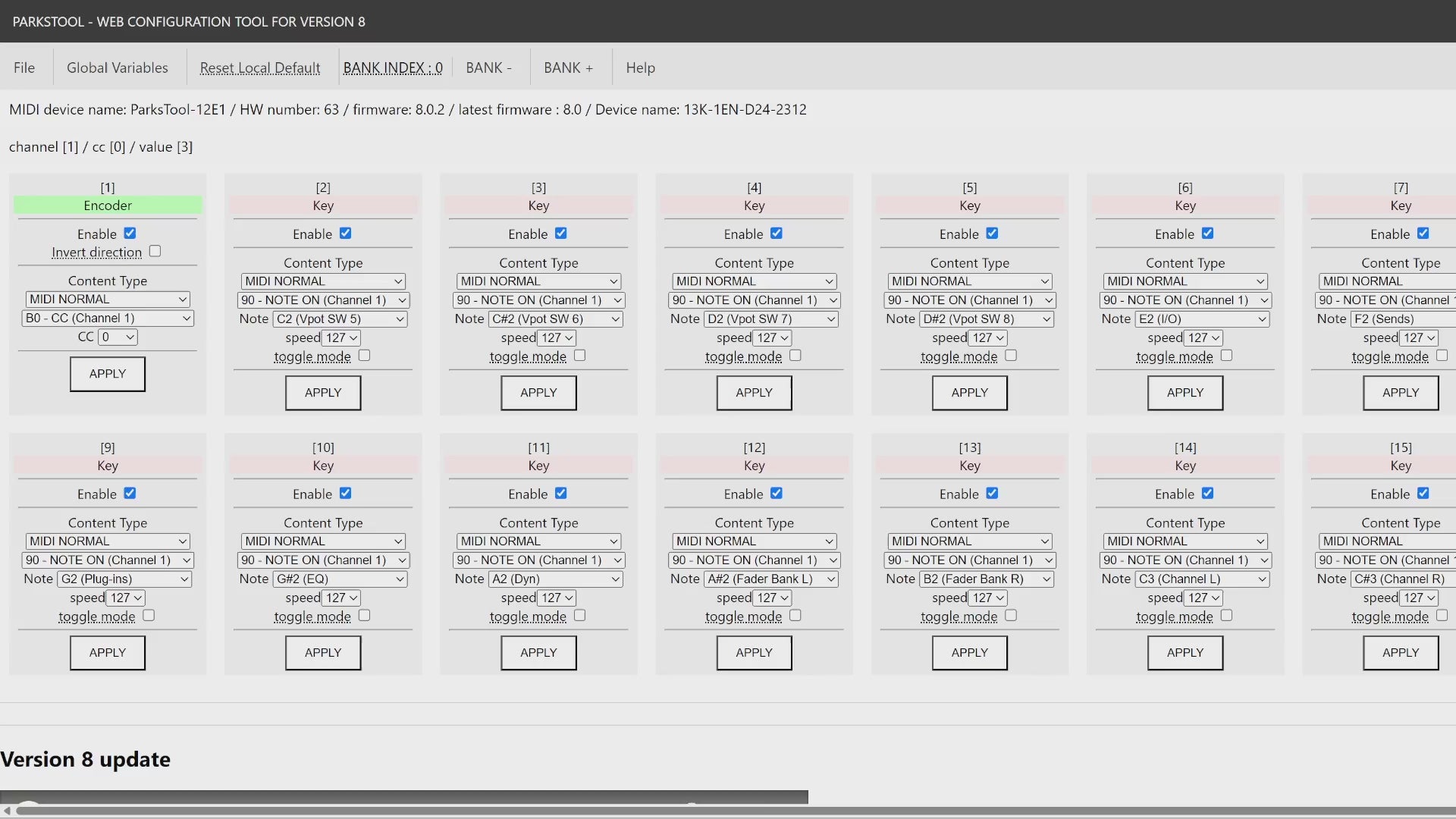
- Web Configuration Tool — Remap every control to any MIDI mode: CC, Note, Pitch Bend, Program Change, 14-bit CC, NRPN, SysEx, keyboard shortcuts, or media keys.
Technical Specifications
| Rotary Encoders | 1 × clickable switch integrated encoder, infinite rotation, relative control, DAW feedback |
|---|---|
| Keys / Switches | 2 × tactile switch, software-supported momentary & toggle modes |
| Dimensions | 48mm x 48mm x 32mm |
| Weight | 40g |
| Material | PLA + metal |
| LED Ring | RGB LED ring surrounding the encoder — displays CC value (0–127), bidirectional DAW sync, bank color indicator, customizable per bank |
| Connectivity | USB Type-C (MIDI + power) |
| Power | USB bus-powered (5V, under 150 mA) |
| Driver / Setup | True plug-and-play. No driver installation required — class-compliant USB MIDI |
| Compatibility | Windows 10+, macOS, Linux, Android, iOS |
| Configuration | Full configuration without any software installation via the Web Configuration Tool (config.parkstool.com) |
| Protocol Support | CC, Note, Pitch Bend, Program Change, 14-bit CC, NRPN, SysEx, MCP |
Perfect For
- DAW parameter control — EQ, effects, send levels
- Plugin automation — VST/AU knob assignments
- Video editing — timeline scrubbing, color grading
- Live performance — real-time effect modulation
- Keyboard shortcuts and media key assignments (volume, play/pause, etc.)
- Mackie Control Protocol (MCP) integration for DAW mixing surfaces
⚠️ Important Notes
- TRS MIDI OUT is not included in this product
Frequently Asked Questions
What is the ParksTool 1ES2K?
The ParksTool 1ES2K is a compact USB-C MIDI controller featuring 1 clickable integrated encoder + 2 tactile buttons. It requires no driver installation and works immediately when plugged into any computer, tablet, or smartphone. Just true plug-and-play functionality.
Which DAWs does the ParksTool controller work with?
It works natively with all major DAWs including Ableton Live, Logic Pro, Cubase, FL Studio, Reaper, Pro Tools, GarageBand, and more. No additional plugins or setup are required.
Does it support Mackie Control Protocol (MCP)?
Yes. The ParksTool controller fully supports Mackie Control Protocol (MCP). For example, faders can be assigned as Pitch Bend messages, and encoders as V-Pot (relative) to control DAW mixing surfaces. However, these are freely reassignable—you can map a fader as V-Pot or an encoder as Pitch Bend if you prefer. Bank change keys allow multi-channel control. Presets for MCP are available in the Web Configuration Tool.
How do I customize the MIDI mapping?
Configuration is completely browser-based with zero software installation required. Just use the free ParksTool Web Configuration Tool at config.parkstool.com (Chrome or Edge). Changes are saved directly to the device memory instantly.
What is a rotary encoder, and why use one?
A rotary encoder rotates infinitely with no hard stops. It sends relative MIDI values (increment or decrement), which prevents value jumps when switching parameters. Additionally, these are push button integrated encoders. You can press the knob to send MIDI Note or CC messages, providing both rotation and switch functionality in a single control. It supports bidirectional DAW feedback — when the DAW changes a parameter, the encoder position updates accordingly.
Do I need to install a driver or any software?
Absolutely not. It is a class-compliant USB MIDI device, meaning no drivers are needed. Even the configuration is done through a web browser, ensuring your system stays clean without installing extra wrapper software or background services.
Compatibility
Works with Ableton Live, Logic Pro, Cubase, FL Studio, Reaper, Pro Tools, GarageBand, Studio One, Bitwig Studio, and any USB MIDI-compatible software. Operating systems: Windows 10+, macOS, Linux, Android, iOS.
Share